





ColorLoop runs on a PC next to the press console. It works in three steps.
ColorLoop
Your IntelliTrax. In a closed loop.
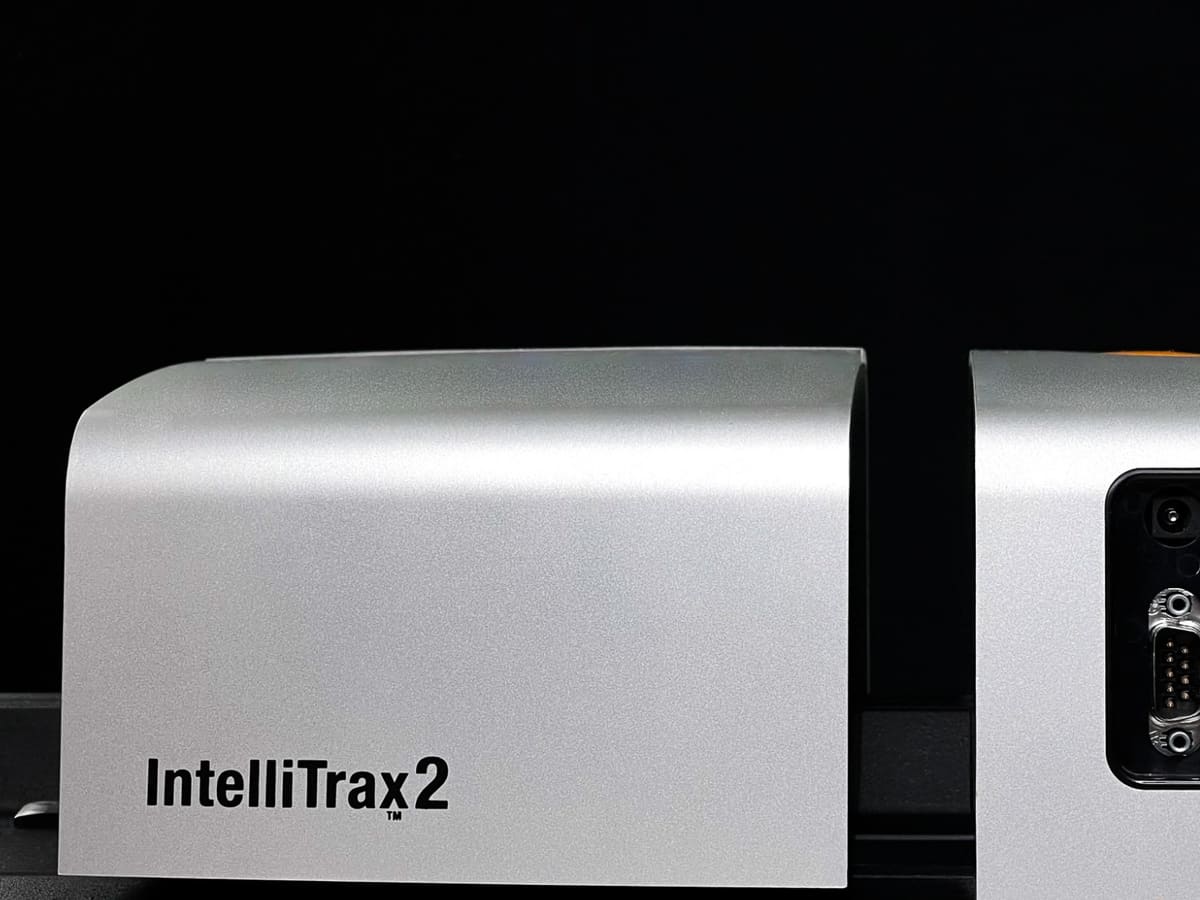
ColorLoop presets the ink keys, then corrects after each sheet your IntelliTrax or IntelliTrax2 measures.
Works on these presses







ColorLoop in action
On real presses.
Rutherford: 1,000+ systems in 30+ countries. Short films from sheetfed offset pressrooms; pick one to play it.
Watch the customer storiesWORKS WITH INTELLITRAX AND INTELLITRAX2
Keep your scanner.
ColorLoop is software. It runs with the IntelliTrax your pressroom may already own.
- IntelliTrax or IntelliTrax2
- MeasureColor or PressSign
- Windows 10 or 11
- No new scanning hardware
01 / COLORLOOP AT THE PRESS
See the color.
Control the run.
STEP 01
Preset
Ink-key settings calculated from the plates, paper and ink, sent to the console before the first sheet.
JOB SETUP · TO SCALE
About30 sAutomatic job setup
At least10 minManual job setup
STEP 02
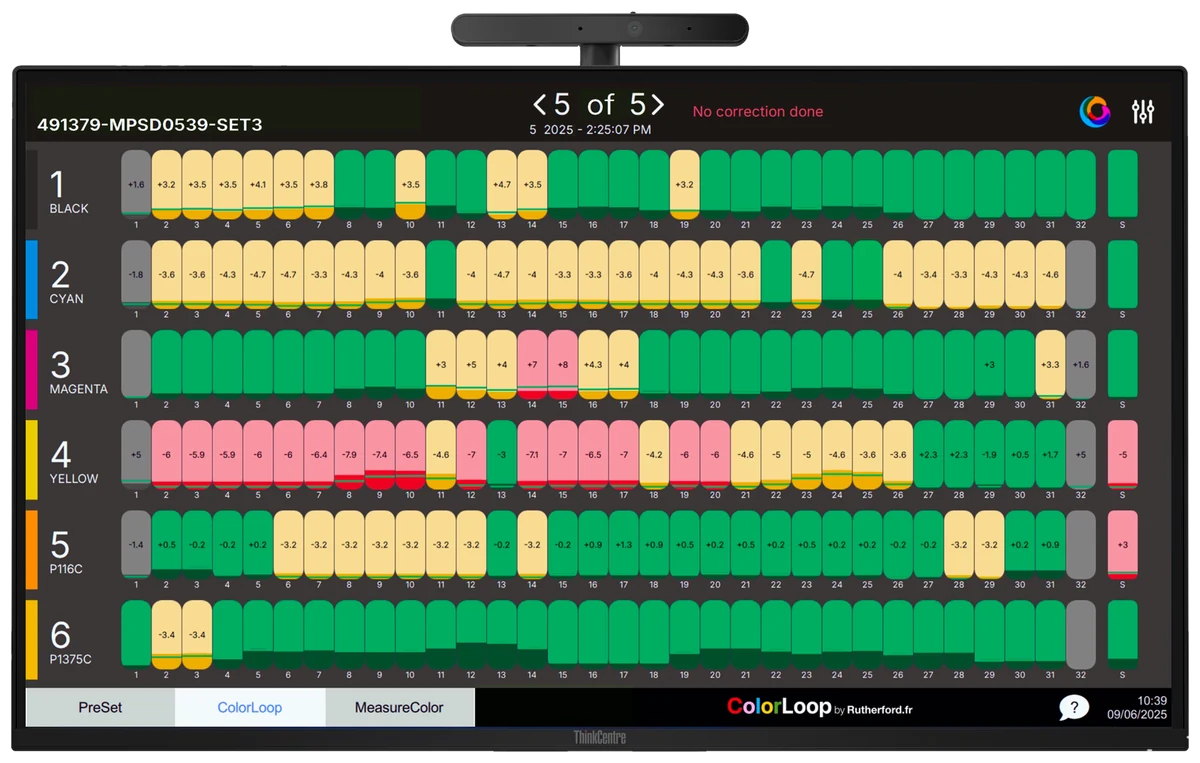
Measure
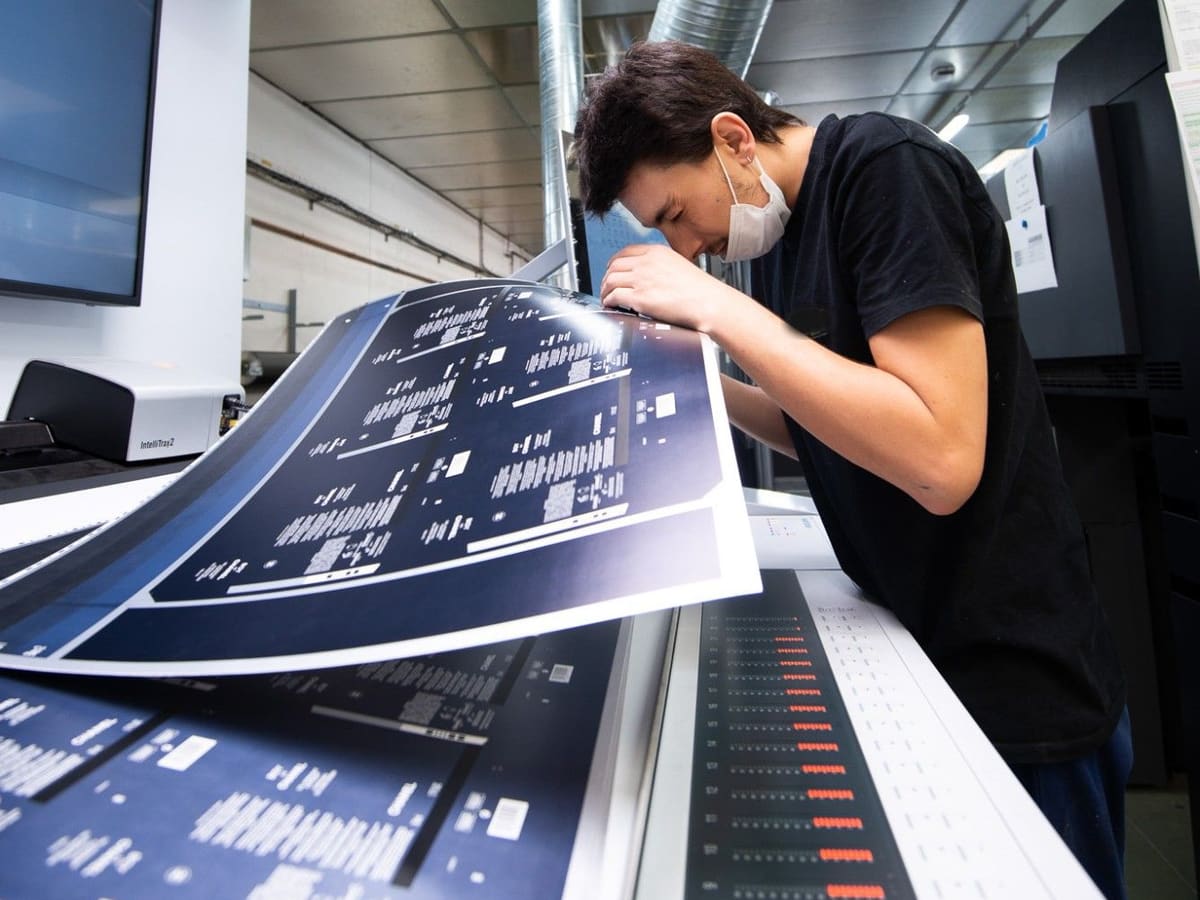
Your operator scans the color bar with IntelliTrax or IntelliTrax2.
A color-coded view shows where each ink zone sits against its target.
STEP 03
Correct
Each ink zone is compared with its target and the corrections go to the console, after each measured sheet, pull after pull.
ColorLoop saves the data only when the color is stable. Validated settings improve the next presets.
AT THE PRESS
Your operator stays in control.
Your operator sees every ink zone and can take over at any time.
Learn how it worksAT THE CONSOLE
Corrections, sheet after sheet.
The scanner reads the color bar. ColorLoop sends the ink key corrections to the console. Virtually all sheetfed presses, from 30-year-old machines to current models.
02 / WHAT IT SAVESPUBLISHED FIGURES
Save paper
and press time.
Every sheet before the color is right, costs you.
Up to€150,000saved every year
Figures published by Rutherford for ColorLoop on sheetfed offset presses. Results depend on your presses, stocks and jobs and are not a guarantee.
03 / IN PRODUCTIONRUTHERFORD.FR
Proven on press.
Ten stories, filmed on press since 2018.
Figures published by Rutherford with each testimonial, before ColorLoop. Results depend on the pressroom.
Rutherford, worldwide
1,000+systems deployed
30+countries
Rutherford has deployed over 1,000 systems in more than 30 countries. Source: rutherford.fr
Testimonials.
 PrintwellUSAWatch on YouTubeOpen the story
 Viappiani PrintingMilan, ItalyWatch on YouTubeOpen the story
 Moderna PrintingWatch on YouTubeOpen the story
 Avery DennisonQuerétaro, MexicoWatch on YouTubeOpen the story
 LEFRANCQ PackagingFranceWatch on YouTubeOpen the story
 Autajon PackagingMilan, ItalyWatch on YouTubeOpen the story
 Wauters B’PackFranceWatch on YouTubeOpen the story
 GS MonacoMonacoWatch on YouTubeOpen the story
 ColorConsultingItalyWatch on YouTubeOpen the story
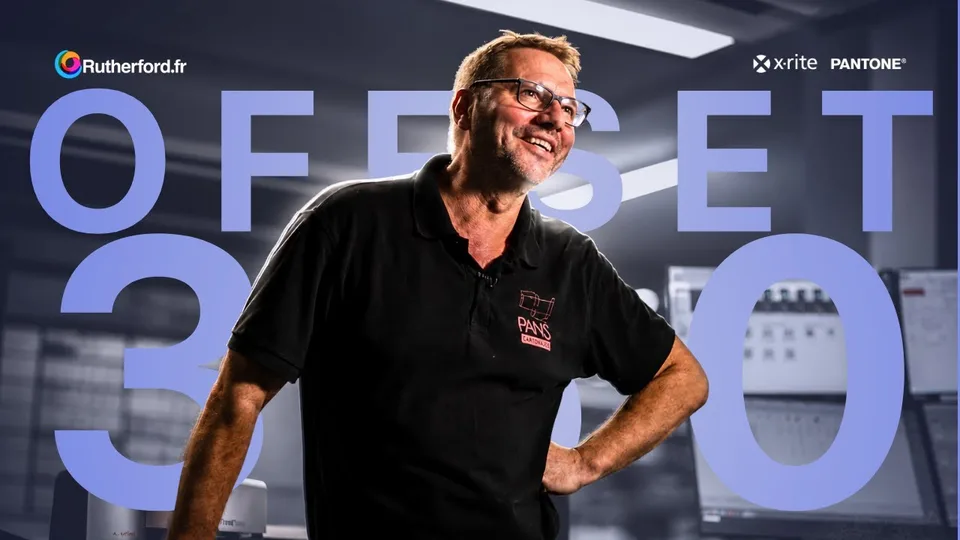 Cartonajes PansSpainWatch on YouTubeOpen the story
QUESTIONSGood to
Good to
know.
READ MORE ON RUTHERFORD.FR
Is your press console ready for a closed loop?Retrofit color control on an older pressDoes ColorLoop work with IntelliTrax and IntelliTrax2?
Yes. ColorLoop runs with IntelliTrax or IntelliTrax2 scanning, on Windows 10 or 11. The scanner reads the color bar, ColorLoop sends the corrections to the press console.
Do we need new scanning hardware?
No, if your press already has IntelliTrax or IntelliTrax2. ColorLoop is software: you keep the scanner your pressroom already owns.
Which presses?
Virtually all sheetfed offset presses, from 30-year-old machines to current models: Heidelberg, Koenig & Bauer, Komori, Manroland, Ryobi, Mitsubishi and more. The free console check tells you what your press needs.
We use IntelliSet-IntelliLoop or EasySet-EasyLoop. What changes?
You keep your hardware and move to ColorLoop without reinstalling. See ColorLoop for Rutherford customers.
FREE CONSOLE CHECKABOUT TWO MINUTES · NO COMMITMENT
Four photos.
One answer.
Is your press ready for ColorLoop? Send four photos of your console from your phone. It is free, takes about two minutes and commits you to nothing.
- 01
Open the console check
On your phone, at the press.
Click or scan to start your check. - 02
Take four photos
The whole console, inside its cabinet, the ink keys, the nameplate.
- 03
Get your answer
Rutherford tells you within one business day whether your press is ready.
Then order your ColorLoop. Available worldwide. Compatible consoles include Heidelberg, Komori, Koenig & Bauer, Manroland, Mitsubishi, Ryobi, Goss and Presstek. Questions? contact@rutherford.fr